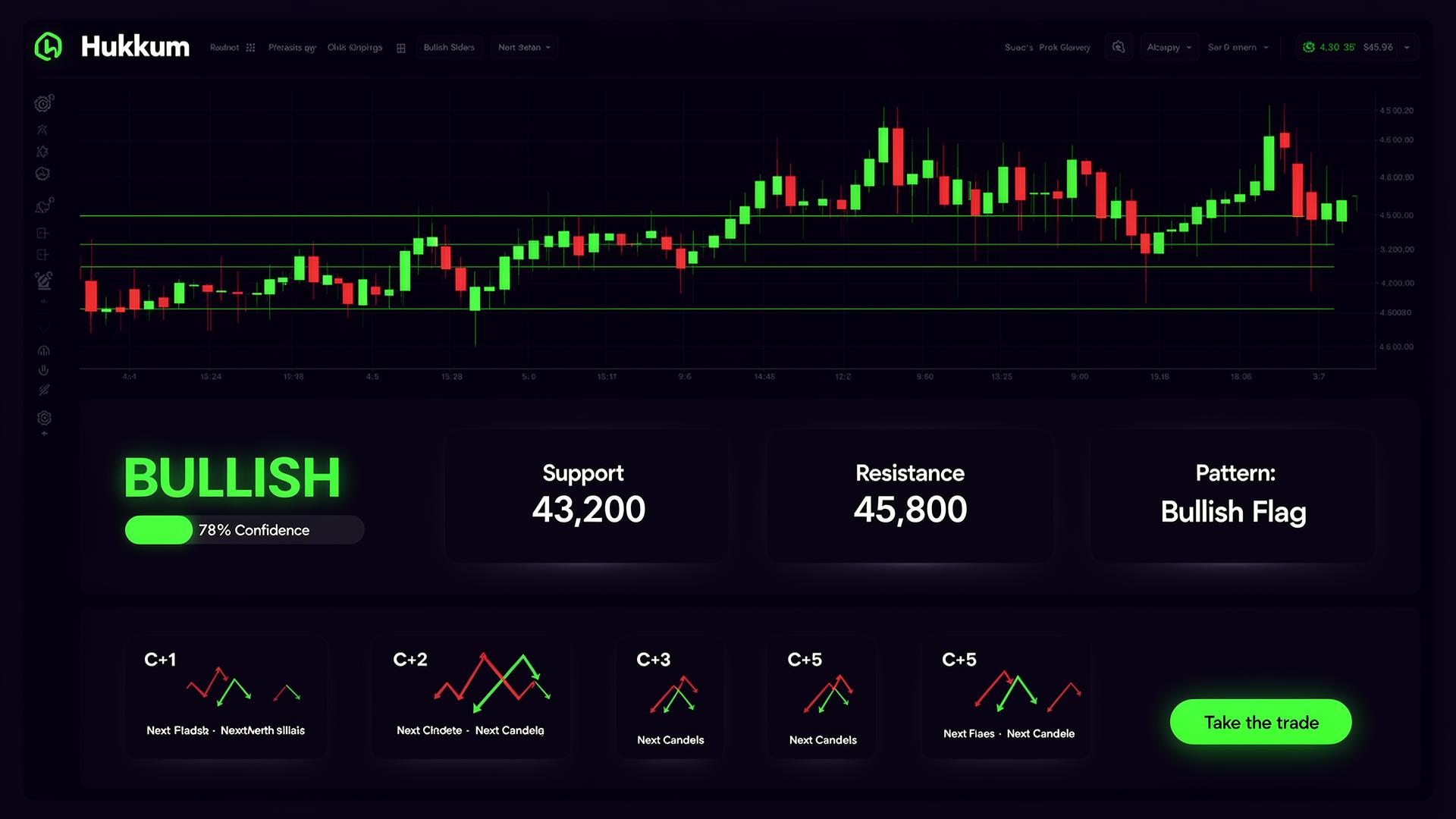
โšก Live on NSE ยท BSE ยท NFO

Trade Smarter with
AI-Powered Analysis

Hukkum AI combines Claude AI vision analysis with live Dhan market data to give you institutional-grade insights for โ‚น249/month.

๐Ÿ“Š Start Analyzing โ†’ See Pricing
AI
Chart Vision
Live
Dhan Data
โ‚น249
Per Month
NSE
BSE ยท NFO
Hukkum AI
LIVE
๐Ÿ“ˆ
Pattern Detected
BULLISH BREAKOUT
Confidence
83%
Stop Loss
โ‚น24,180
Target
โ‚น24,780
Entry
โ‚น24,380
R:R Ratio
1:3.0
HIT TARGET
74%
WIN RATE
72%
HIT SL
19%
โœฆ Features
Everything you need to
trade with confidence
Hukkum AI brings together the power of Claude AI and live market data in one clean, mobile-first app.
๐Ÿง 
AI Chart Analysis
Upload any chart โ€” equity, options, futures, any timeframe. Claude AI identifies patterns, support/resistance, indicators and generates a full trade plan.
โšก
Live Dhan Data
Connect your Dhan account for real-time LTP, OHLCV, volume, and depth data on all NSE/BSE instruments including indices.
๐Ÿ”—
Live Option Chain
Full NSE option chain with live OI, LTP, IV and Greeks. Claude AI analyses PCR, max pain, key OI walls and recommends the best strike.
๐Ÿ“ฐ
News + Sentiment
Live market news via Claude web search with AI sentiment scoring. Bullish/bearish/neutral tags for each story with market impact assessment.
๐Ÿ’ผ
Portfolio Tracker
See your live Dhan positions and holdings with real-time P&L, average cost price, and current market value โ€” all in one place.
๐Ÿฉป
Trade Autopsy
Lost money on a trade? Upload your screenshot and Claude AI dissects every mistake โ€” bad entry, wrong SL, FOMO, no plan โ€” and gives you a step-by-step winning strategy to fix it. Includes psychology analysis and a personal trading checklist.
๐Ÿ“ฑ
Install as App (PWA)
Add Hukkum AI to your phone home screen. Works like a native app โ€” no App Store needed. Android and iPhone both supported.
โœฆ How It Works
From chart to trade plan
in seconds
1
Sign Up
Create your account and subscribe for โ‚น249/month via UPI, card or net banking.
2
Connect Dhan
Paste your Dhan access token to unlock live quotes, option chain and portfolio data.
3
Upload Chart
Take a photo of any chart or upload a screenshot. Equity, options, futures โ€” any timeframe.
4
Get Analysis
Claude AI reads the chart, fetches live data and gives you a complete trade plan with entry, SL and target.
โœฆ Pricing
Simple, transparent pricing
One plan. Everything included. Cancel anytime.
HUKKUM AI PRO
โ‚น249
per month ยท billed monthly ยท cancel anytime
๐Ÿ” Start for โ‚น249/month โ†’
Secured by Razorpay ยท UPI ยท Cards ยท Net Banking
Auto-renews monthly ยท Cancel anytime from the app
โœฆ Traders Love It
What our users say
"The option chain analysis with AI is incredible. It identifies max pain and key OI walls instantly โ€” something that used to take me 30 minutes."
R
Rahul M.
Options Trader, Mumbai
"I just take a screenshot of my chart and Hukkum AI gives me entry, SL and target in seconds. The confidence scores are surprisingly accurate."
P
Priya S.
Intraday Trader, Bangalore
"Finally a tool that works on mobile. The PWA install is seamless and the Dhan integration means I have live data right alongside my AI analysis."
A
Amit K.
Swing Trader, Delhi
โœฆ FAQ
Frequently asked questions
Is Hukkum AI a SEBI-registered advisor?
No. Hukkum AI is an educational tool only. All analysis and signals are generated by AI for informational purposes and do not constitute investment advice. Always consult a qualified financial advisor before trading.
What is the Dhan token and why do I need it?
The Dhan access token connects Hukkum AI to your Dhan trading account to fetch live market data โ€” real-time quotes, option chain OI, and your portfolio. You generate it from Dhan Web โ†’ Profile โ†’ DhanHQ APIs. Note: Dhan tokens expire daily and need to be refreshed each day.
Can Hukkum AI place trades on my behalf?
No. Hukkum AI only reads market data from your Dhan account. It cannot place, modify, or cancel any orders. Your funds are completely safe.
Which charts can I analyze?
Any chart โ€” NSE/BSE equities, Nifty/BankNifty/FinNifty options, futures, even crypto charts from other platforms. Any timeframe from 1 minute to monthly. Just take a screenshot and upload it.
How do I cancel my subscription?
You can cancel anytime by emailing contact@hukkum.com. Your access continues until the end of the current billing period. No refunds for partial months.
How do I install it on my phone?
On Android: open hukkum.com in Chrome โ†’ tap the menu โ†’ "Add to Home Screen". On iPhone: open in Safari โ†’ tap Share โ†’ "Add to Home Screen". The app works exactly like a native app with no App Store needed.
Ready to trade with AI intelligence?
Join traders using Hukkum AI for smarter market analysis. โ‚น249/month, cancel anytime.
๐Ÿ“Š Open Hukkum AI โ†’